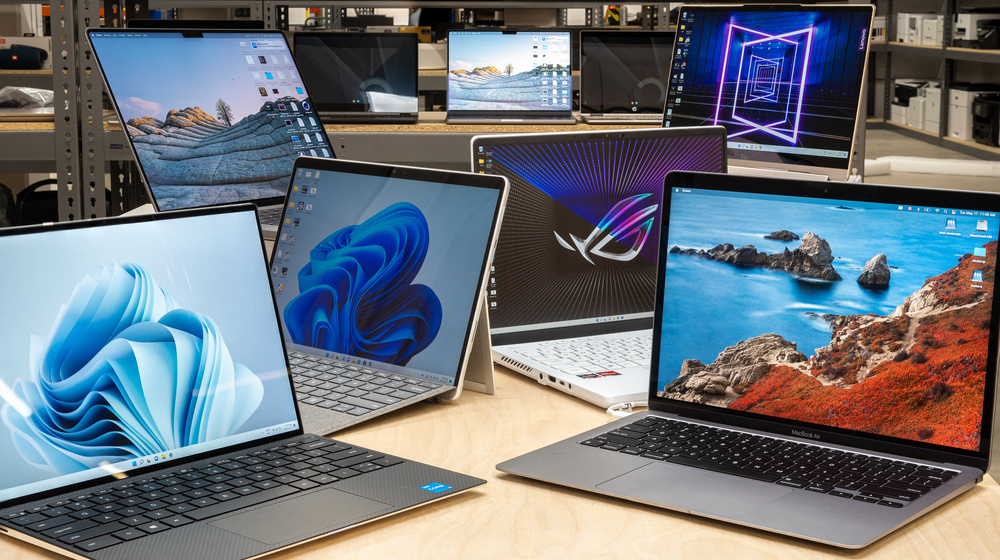
A 2nd hand laptop description includes the brand and model, specifications (processor, RAM, storage),
condition (cosmetic and functional), battery life, and any included accessories like a charger. Sellers
must accurately describe known issues or wear and tear to set expectations, as the condition of used
laptops can vary significantly from well-cared-for to having hidden problems. A complete description
should also mention the operating system and its validity.
Key elements of a 2nd hand laptop description
Brand and Model:
Specify the manufacturer (e.g., Dell, HP, Apple) and the exact model name (e.g., “Dell XPS 13,” “MacBook Air M1”).
Specifications:
Detail the processor (CPU), amount of RAM (memory), storage type (SSD or HDD) and size, and the operating system (e.g., Windows 11, macOS).
Physical Condition:
Describe any cosmetic flaws such as scratches, dents, cracks, or missing parts like port covers or screws.
Issues/Wear:
Be transparent about any issues, such as:
- A swollen or damaged battery, which poses a safety risk.
- A faulty component like a loose hinge or a dying hard drive.
- Any pre-installed software and its status.
Functional Condition:
Report on the functionality of all components, including:
- Screen: Check for dead pixels, flickering, or uneven brightness.
- Keyboard & Trackpad: Test all keys and the trackpad for proper function and responsiveness.
- Battery: Include the estimated battery life or a percentage of its original health, as this is a common area of concern.
- Ports: Verify that all USB, HDMI, and other ports are working correctly.
- Other Peripherals: Note the functionality of the Wi-Fi, Bluetooth, webcam, microphone, and speakers.